


Editable transcript
Correct names, wording, and formatting before the transcript becomes the source for another output.
 MP3Transcript
Free online AI tool to transcribe audio to text in seconds. Convert MP3, MP4, WAV, voice recordings, and podcasts into editable transcripts, subtitles (SRT), and AI summaries.
I confirm that I own this media or have permission to process it.
From audio to useful content
MP3Transcript turns audio and video recordings into accurate, editable transcripts you can actually work with. When you need reliable audio and MP3 transcription, upload your source, check words against the recording, and keep the project organized in one private Workspace.
The transcript is the factual foundation. From there, you can transcribe audio to text and continue the workflow to a structured Summary, SRT subtitles, and creator-ready content, without losing the connection to the original recording.
Audio or MP3 recording
The source stays attached to the project
Editable transcript
Review words, speakers, and timing
Key takeaways
Turn long audio into structure
Show notes
Prepare a useful publishing draft
Content pack
Reuse the strongest ideas elsewhere
A transcript gives every next step a source to refer back to. Review the transcript first, then choose the output that fits the job.
The product is designed for the work that happens after an audio recording is made: finding the important parts, checking the source, and turning it into something publishable.
Correct names, wording, and formatting before the transcript becomes the source for another output.
Keep a conversation easier to follow with speaker labels when the audio provides enough signal.
Move from a sentence back to its place in the recording when you need to verify context.
Keep the source, transcript, revisions, and later content outputs together in one project.
Extract key takeaways, chapters, quotes, or actions from the transcript instead of guessing from the audio.
Reuse the same reviewed source for show notes, blog drafts, descriptions, and social content.
Start with a file and keep the review step in the workflow. This makes the resulting Summary and content more useful than an unchecked block of text.
Choose an MP3 file up to the current upload limit, confirm your rights to process it, and create a private Workspace.
Check names, speaker changes, timestamps, and important phrases against the original recording before you publish.
Generate a structured Summary and turn the reviewed transcript into the content format your audience needs.
Upload an audio or video recording, transcribe up to 5 minutes free, and convert it into transcripts, SRT subtitles, or AI summaries. Sign in to save your result.
Upload Audio / MP3Supports MP3, MP4, WAV, M4A, OGG · maximum 100 MB · guest projects are automatically deleted after 24 hours
A complete audio to text and transcription workflow for creators, editors, and professionals who need accurate transcripts and reusable content.
Turn episode recordings into a transcript, key takeaways, show notes, and follow-up content.
Search the spoken version of a video and pull out sections worth editing, quoting, or publishing.
Separate a conversation into reviewable speaker turns before writing the story around it.
Convert a lesson or walkthrough into a transcript that can support captions and written documentation.
Start from recorded research or conversations and keep source material connected to the draft.
Reuse one approved recording across a blog draft, video description, newsletter, and social posts.
Repurposing works best when every draft can be checked against the transcript. The workflow keeps these outputs as separate, editable artifacts.
The editable record of what was said, with available speaker and timing information.
A compact Summary for understanding the main points before choosing a publishing format.
A structured episode outline with topics, quotes, and links to help listeners follow along.
A starting point for an article that still needs your editorial review and source checks.
Export accurate SRT subtitle files from your video transcripts to make content accessible and engaging.
Reusable hooks, quotes, and post ideas that stay connected to the original recording.
Workflows, tips, and best practices for converting audio to text.
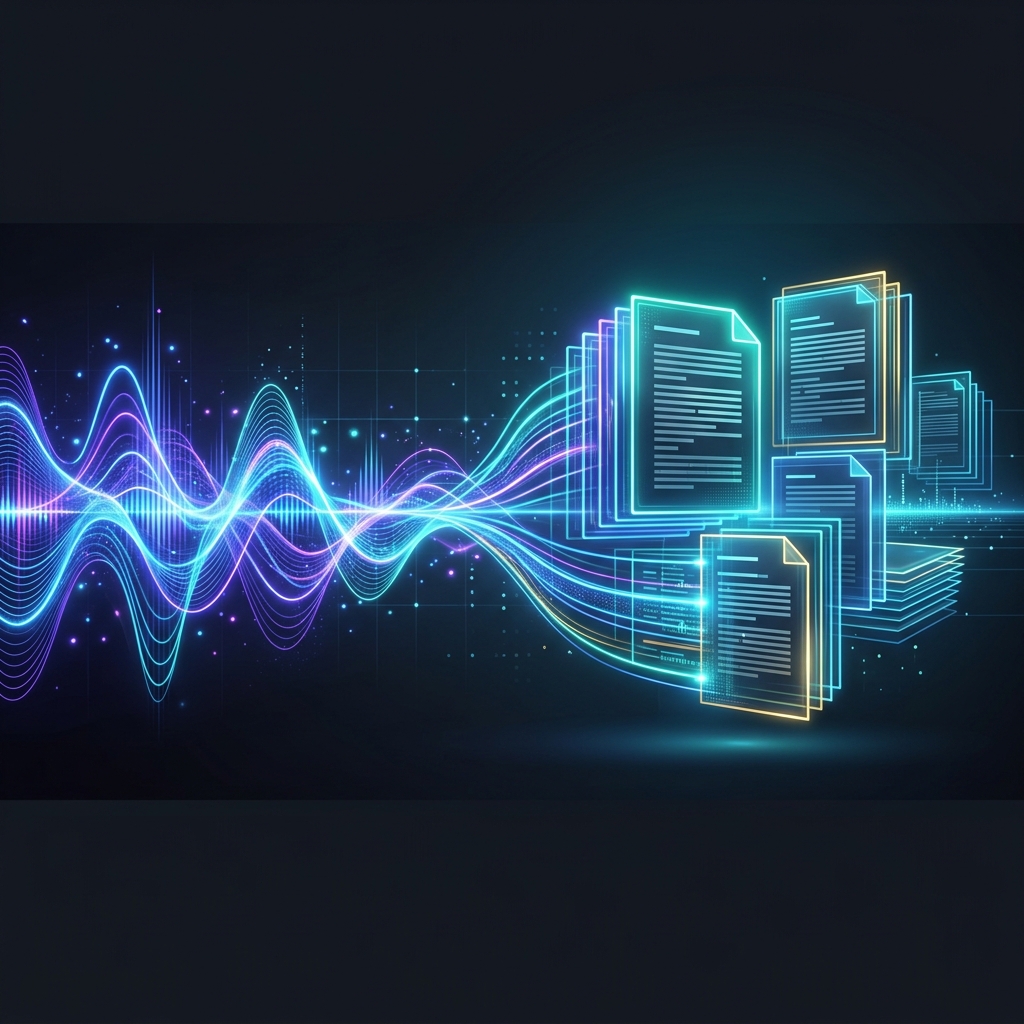
Learn the exact steps to convert any TikTok video to a transcript. Discover how to extract, format, and download TikTok captions as TXT or SRT files instantly.
Learn how to get a transcript from any TikTok video. We cover native TikTok closed captions, free third-party extractors, and step-by-step download guides.
Need a TikTok transcript fast? Learn how to extract text from any TikTok video instantly using our free, no-signup-required generator tool.
Clear answers about files, Free transcription, saving, retention, and the workflow after transcription.